
Skip to content
UX Design World
  • Articles
  • Quotes
  • Tips
  • Learning Bytes
  • Courses
  • Shop
Subscribe
Subscribe
Search
  • Articles
  • Quotes
  • Tips
  • Learning Bytes
  • Courses
  • Shop
UX Design World
Search
  • Articles
  • Quotes
  • Tips
  • Learning Bytes
  • Courses
  • Shop
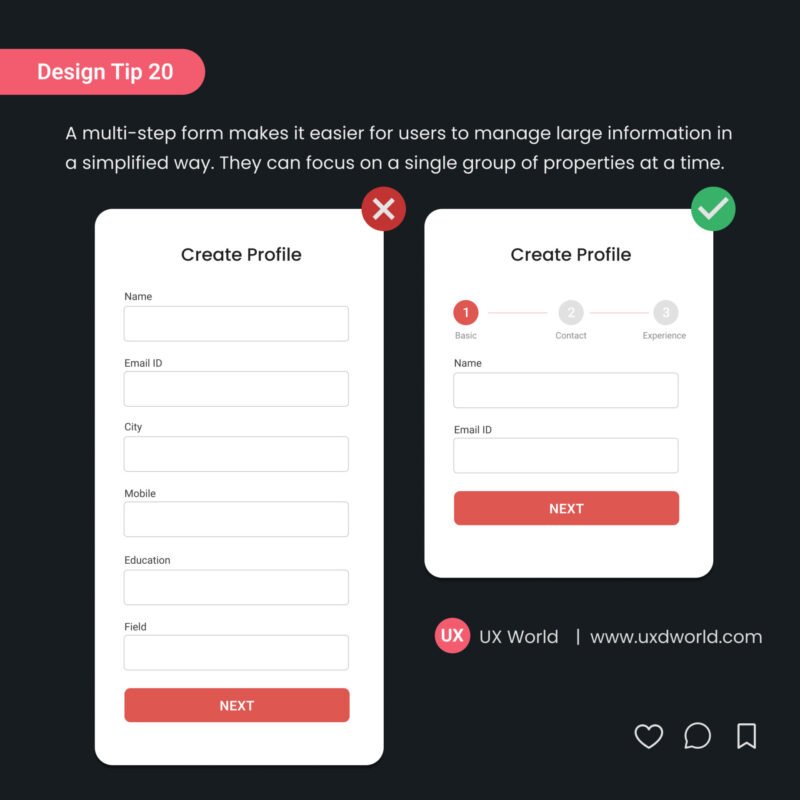
Design Tip 20_multi step form UX

Design Tip#20 – Use Multi-Step Form to Manage Information

July 11, 2024 / By UX World

A multi-step form makes it easier for users to manage large information in a simplified way. They can focus on a single group of properties at a time.
content precedes design

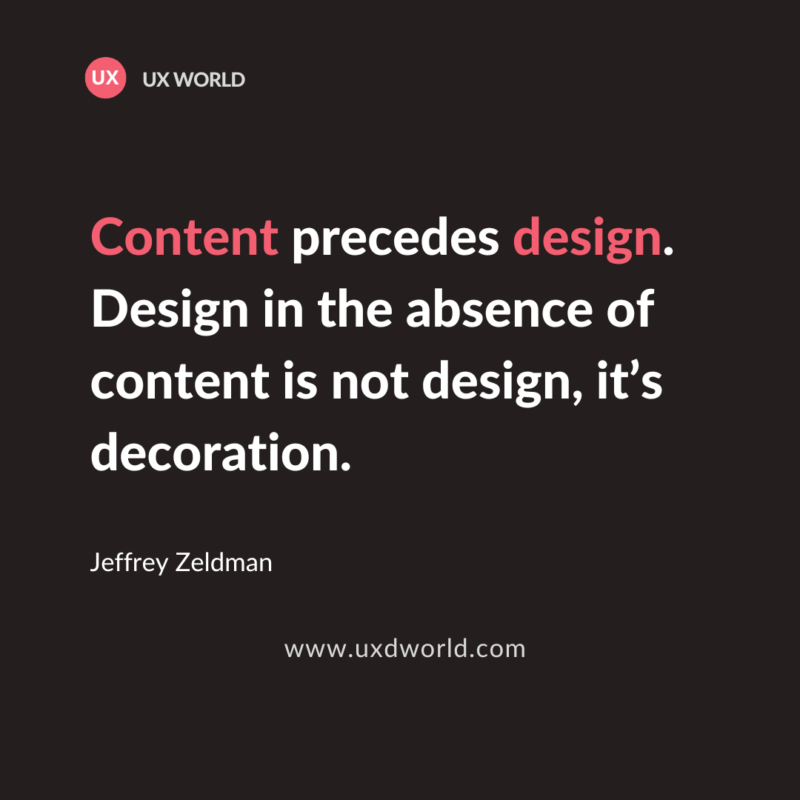
Content Precedes Design – Importance of Content in UX Design

November 2, 2023 / By UX World

Content drives the user experience of the product. Content helps to educate the users about the features of the product and guides them to interact with UI.

Tips to Write Great Error Messages 1

8 Useful Tips to Write Great Error Messages

June 18, 2023 / By UX World

A product should be usable enough to handle the user’s erroneous actions gracefully. Below mentioned are a few tips to write great error messages.

Tabs Design Title

The Ultimate Guide to Tabs Navigation Design Best Practices

January 6, 2024 / By UX World

Tabs provide a way to navigate between different sections of a page to see the related information distributed among these sections.

Design Tip 19_Dont use labels as placeholder 5

Design Tip#19 – Don’t Use Label as Placeholder Text

October 3, 2022 / By UX World

Design Tip: Don’t use labels as placeholders. Hiding the label when the user clicks inside the text control strains the user’s short-term memory.
A consistent experience is a better experience

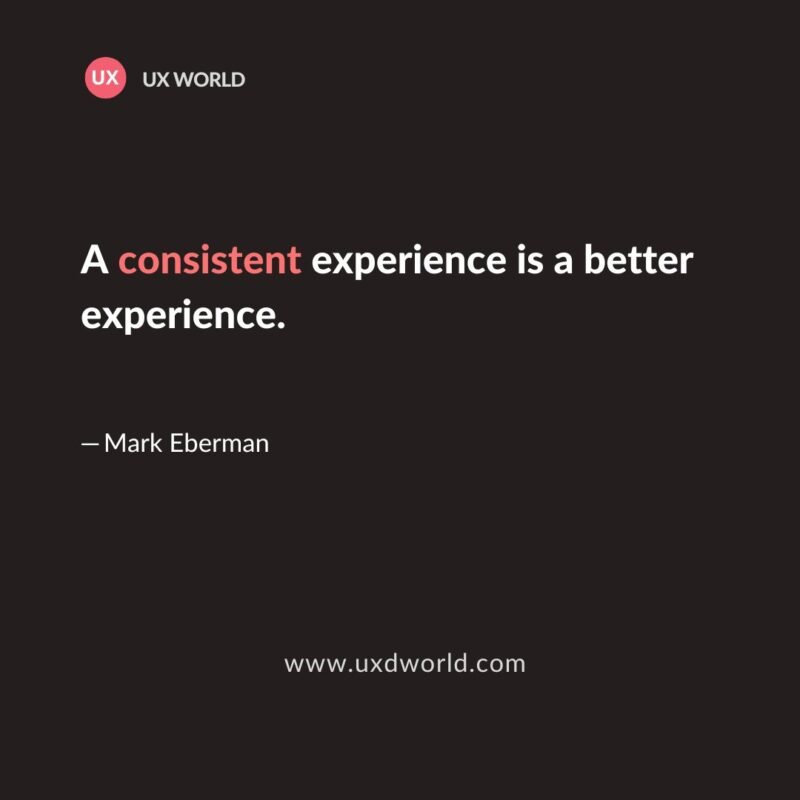
A Consistent Experience is a Better Experience

July 27, 2024 / By UX World

Consistency is a key principle of user experience (UX) design. A usable and user-friendly design is based on consistent experience. 
Design Tip 18 - Dont use two icons in the same button

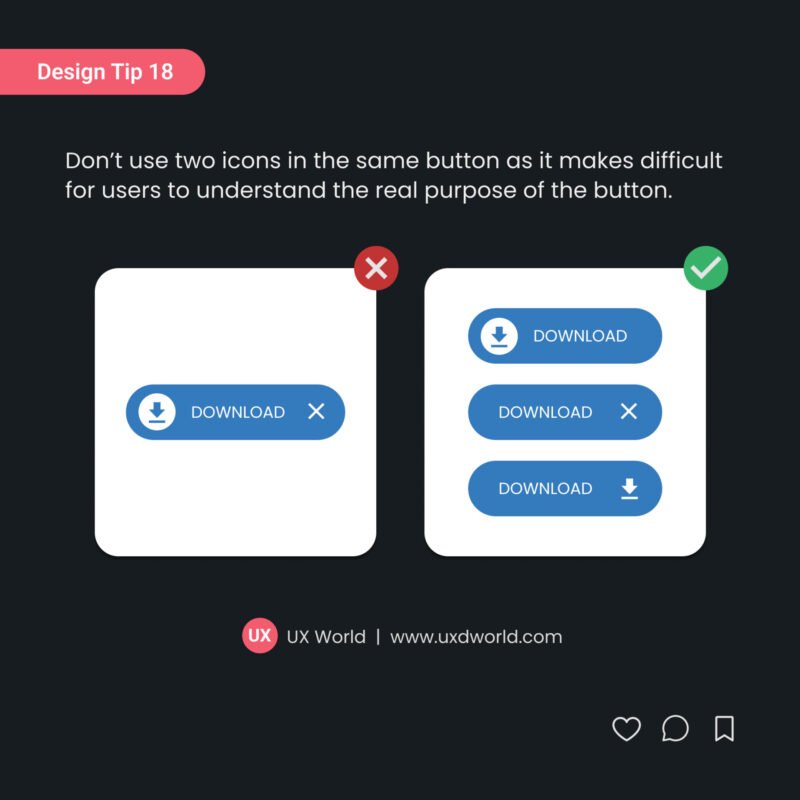
Design Tip#18 – Don’t Use Two Icons in the Same Button

July 11, 2024 / By UX World

Design Tip: Don’t use two icons in the same button as it makes difficult for users to understand the real purpose of the button.

Accessibility in Design

5 Important Principles of Accessibility in Design

June 18, 2023 / By UX World

Accessibility means your design provides the access of products with ease to as many users as possible. UX designers should consider people with disabilities.
Design Tip 17_Checkbox Guidelines

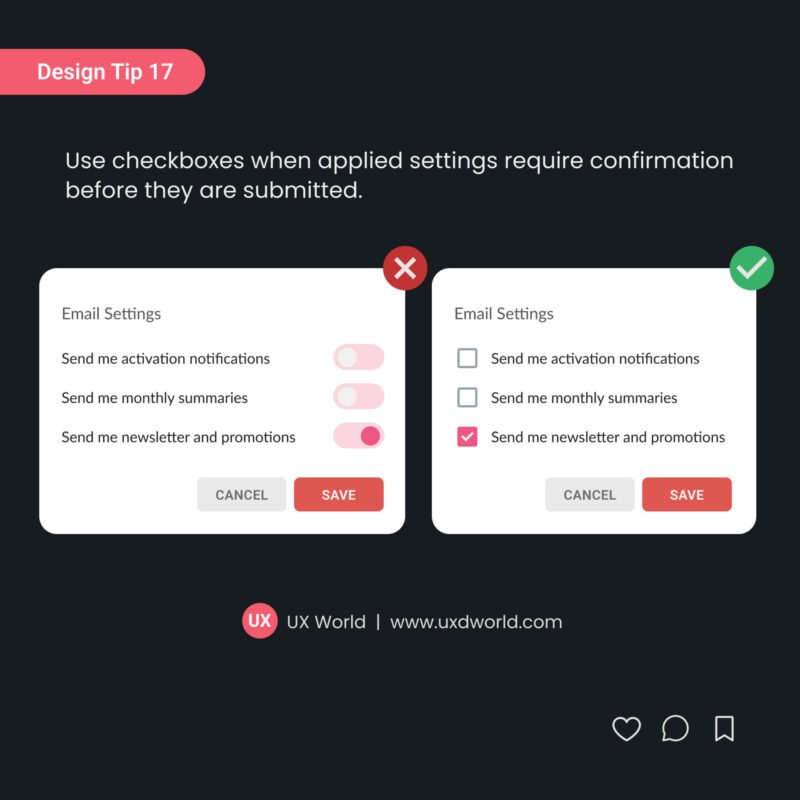
Design Tip#17 – Use Checkboxes When Settings Need Confirmation

July 11, 2024 / By UX World

Design Tip: Use checkboxes when applied settings require confirmation before they are submitted.

Posts pagination
← Previous Page 1 … 12 13 14 … 23 Next Page →
Logo

Our mission is to share practical design insights and UX stories.

About

  • About
  • Contact
  • Terms and Conditions

Categories

  • Articles
  • Tips
  • Quotes
  • Learning Bytes

Other

  • UX Design Courses
  • FREE E-Book: UX Design Fundamentals
  • Subscribe

Copyright © 2026 UX Design World.